UI/UX PRODUCT DESIGN
For something people will actually use.
Wireframes, high-fidelity screens, and a prototype your developers can build from — priced by flow and screen count, the way product work is actually measured.
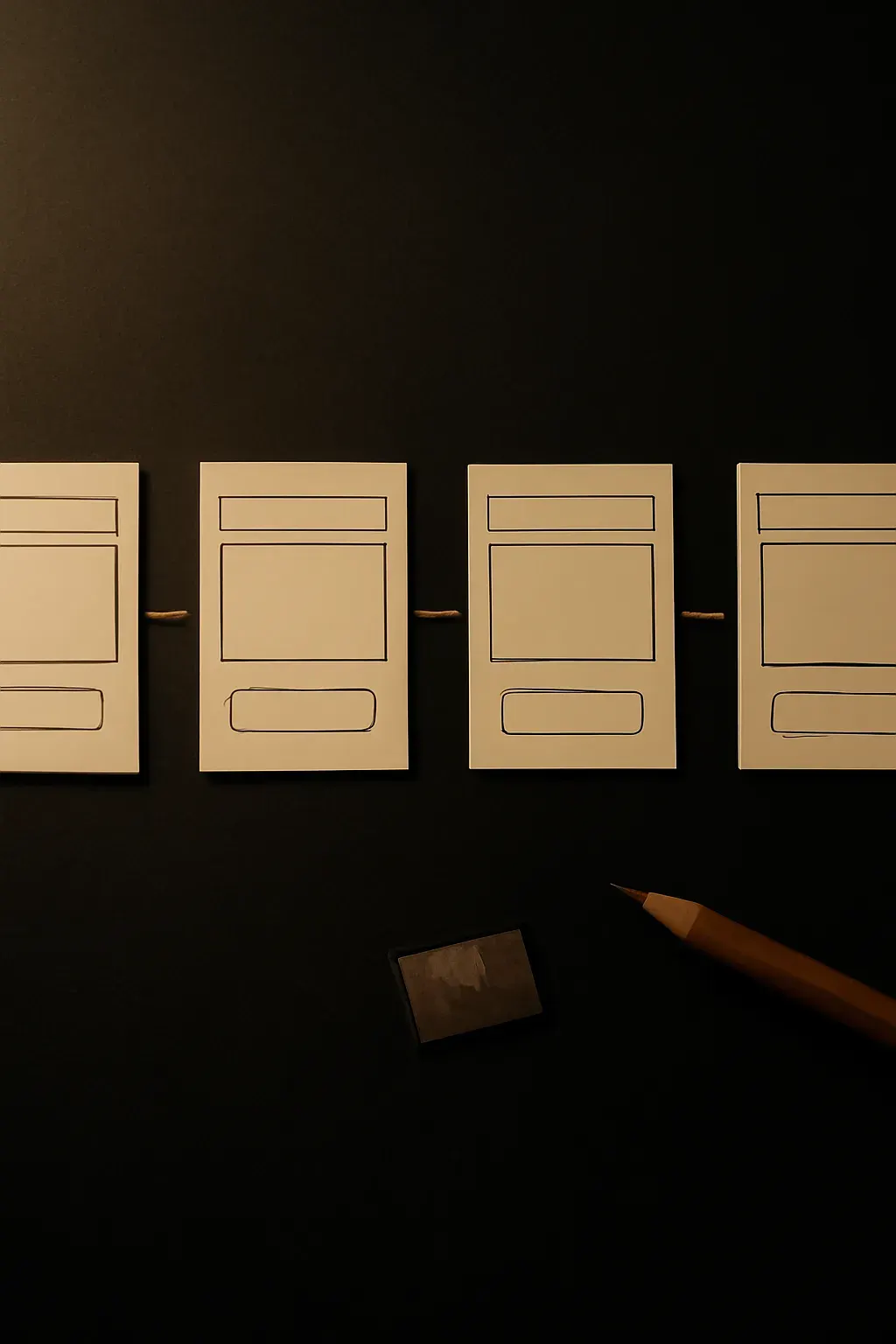
02 —— WHO IT'S FOR
Who it’s for / not for
For you if
- You’re building a real digital product — an app, a SaaS dashboard, a portal — and it has to be usable, not just pretty
- You need screens your engineering team can actually build from, not a deck that falls apart at handoff
- You want the design tested against a real user flow before a single screen gets built
Not for you if
- You need a marketing website, not a logged-in product → see Website Design & Build
- You need a brand mark before you need product screens → see Brand Identity Design
- You need the product built and shipped — this is design, not development
03 —— WHAT'S INCLUDED
What’s included
Included
- User flow mapping before any screens get drawn
- Low-fidelity wireframes for structure and logic
- High-fidelity screens in your product’s visual language
- An interactive prototype — click-through, not static images
- A developer handoff file: specs, redlines, exportable assets
- 2 rounds of revisions
- Source files and full ownership on final payment
Not included
- User research or testing recruitment
- Engineering, development, or backend architecture
- App Store / Play Store asset production
- Ongoing product design after handoff (see the Design Care Plan)
04 —— PACKAGES
Packages
Design Sprint
2 weeks1 flow, 10–15 screens — one core flow, designed end to end and ready to hand off.
deposit $1,750 now, $1,750 on delivery
- 1 core flow
- 10–15 screens
- Interactive prototype
- Developer handoff file
- 2 revision rounds
Recommended
Product Engagement
6 weeksFull app surface, prototype, handoff — every screen, prototyped, and handed off dev-ready.
deposit $4,900 now, $4,900 on delivery
- Full app surface
- Interactive prototype
- Developer handoff file
- 2 revision rounds
05 —— HOW THIS RUNS
How this one runs
-
Flow mapping
The core user journey gets mapped before any screen is drawn.
-
Wireframes
Structure and logic, reviewed before visual design starts.
-
High-fidelity screens & prototype
Your product’s visual language, clickable end to end.
-
Handoff
Specs, redlines, and assets your developers can build from directly.
06 —— SELECTED WORK
Selected work
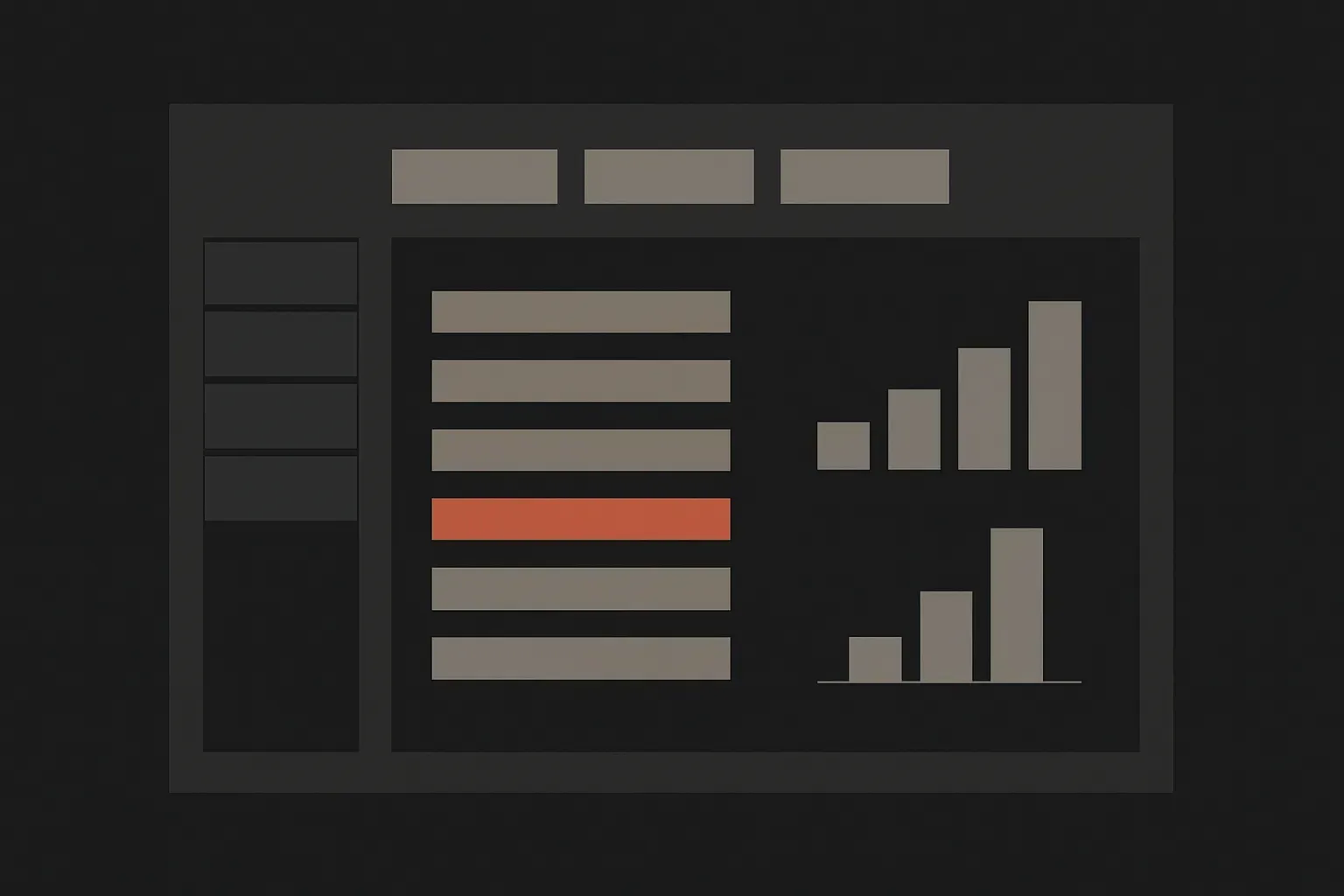
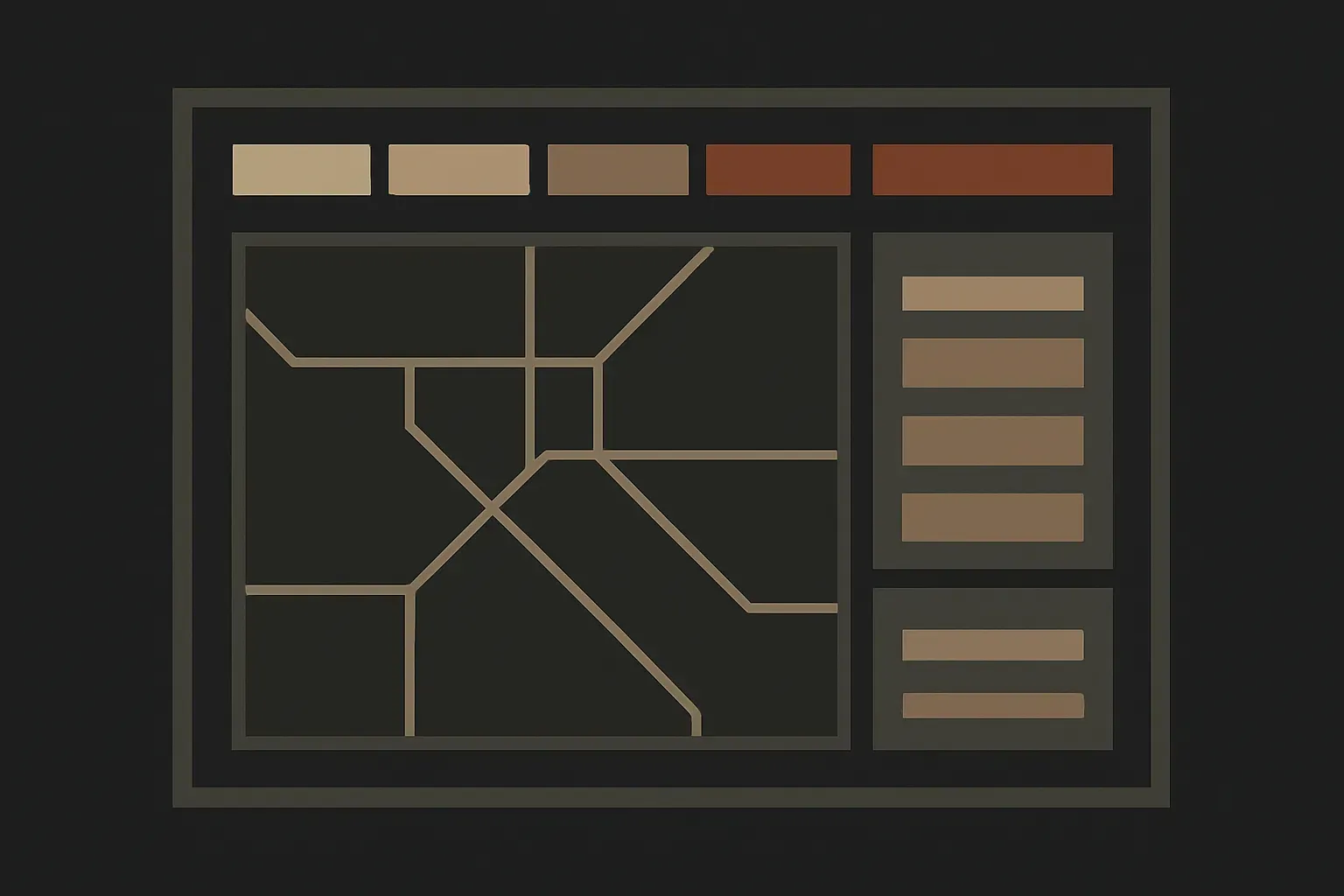
07 —— DELIVERABLES & FORMATS
Deliverables & formats
- 01 Figma file — organized screens and reusable components
- 02 Interactive prototype link
- 03 Developer handoff spec — spacing, states, exported assets (SVG/PNG)
- 04 Flow diagram — the source of truth for the logic behind the screens
08 —— FAQ
FAQ
Will my developers actually be able to build from this, or is it just pictures?
The handoff file is the point of the package — it includes specs, redlines, and exportable assets alongside the prototype. It’s built to be developed from, not admired.
What file formats do I get?
A Figma file with organized components, a clickable prototype link, and exported SVG/PNG assets. If your team uses something other than Figma, say so before kickoff and we’ll confirm compatibility.
Do you run user testing?
Not as part of these packages — flow mapping is based on your input and product logic, not recruited user research. If testing is part of your process, it happens on your side, ideally against the prototype.
What if my scope grows mid-sprint?
A Design Sprint covers one flow and 10–15 screens. If it grows past that, we either trim scope to fit or move to Product Engagement — both are transparent, published options, not an open-ended add.